

How to Run a Package
If you find a package you like, just press the “Run”
Example package
The following is an example of a package: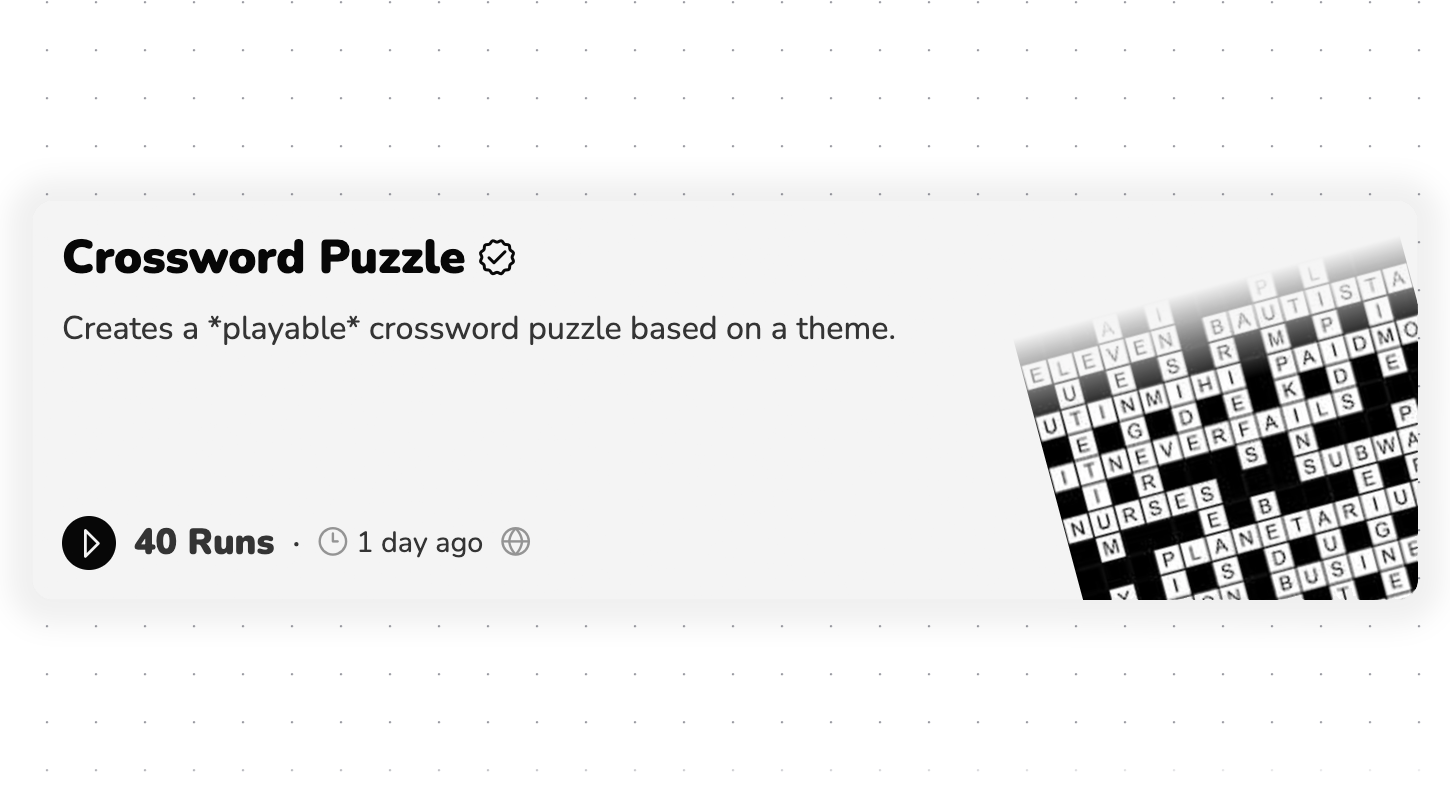
Package Details
As you can see it has the following information:- Name: The name of the package. Which in this case is “Crossword Puzzle”. We can assume that this package will generate a crossword puzzle.
- Description: A brief description of what the package does. In this case it says “Creates a playable crossword puzzle with a theme”.
- Runs: How many times that package has been run by users.
- Last Updated: The last time the package was updated.
Input Overlay
The input overlay is where you can input the data that the package needs to run.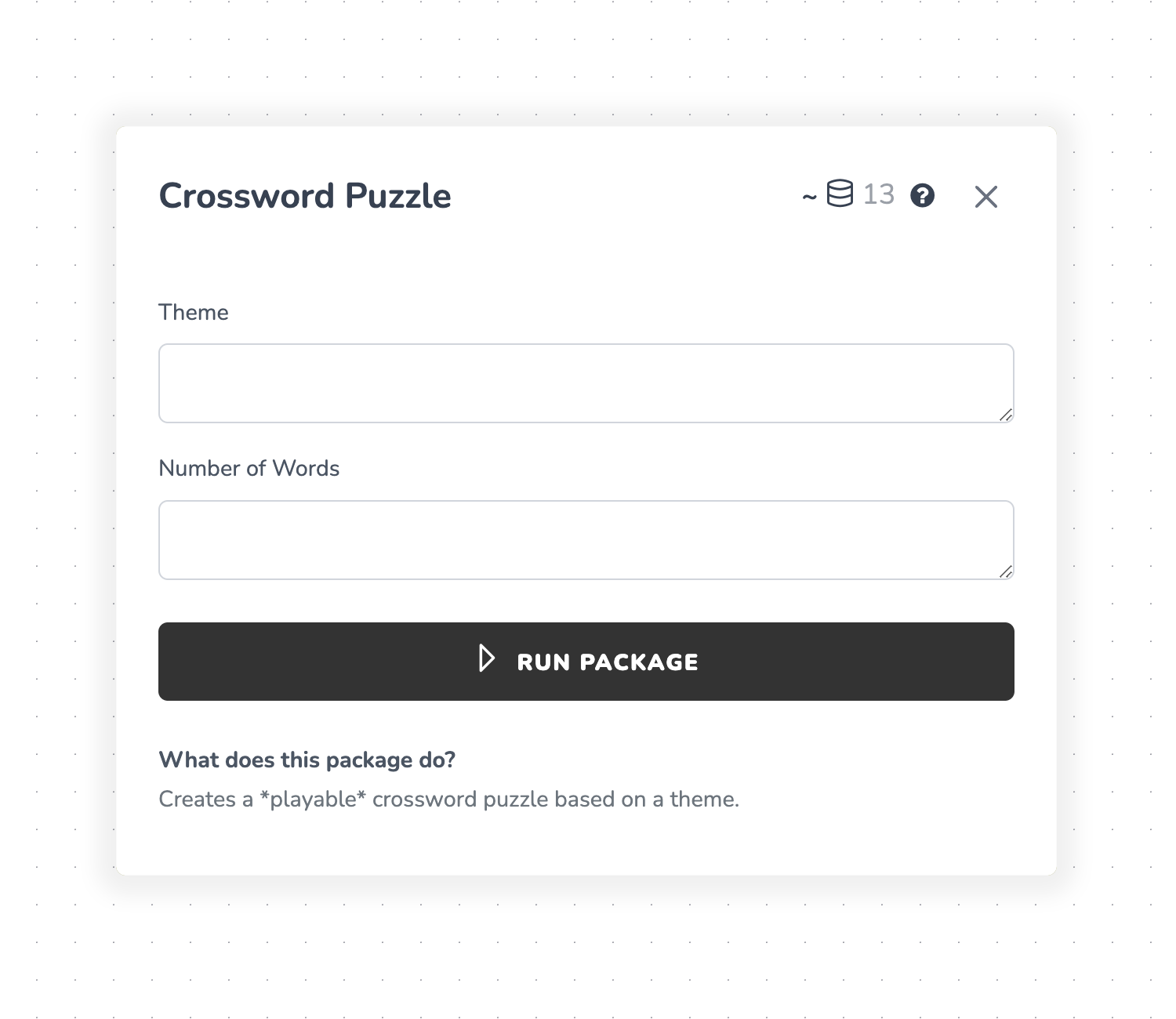
Input Fields
In this case, the package requires the following inputs:- Theme: The theme of the crossword puzzle.
- Number of Words: The number of words in the crossword puzzle.
- Credits: The number of credits required to run the package (in this case “13”).
About credits — Not all packages require credits. Some packages use no A.I. and are free to run.
Crossword Example
Once any package is run, it will generate a result. The result of this package is a playable crossword puzzle game. As an example, let’s say we input the following:Live Example
Here’s an example of what the result of this package might look like: To interact and play with the live example result, click here.Inputless Packages
What is an “Inputless” package?
There are some packages that do not require any input. These packages are usually simple and do not require any customization. An example of this is the “Today’s Bitcoin Price” package. This package simply returns the current price of Bitcoin.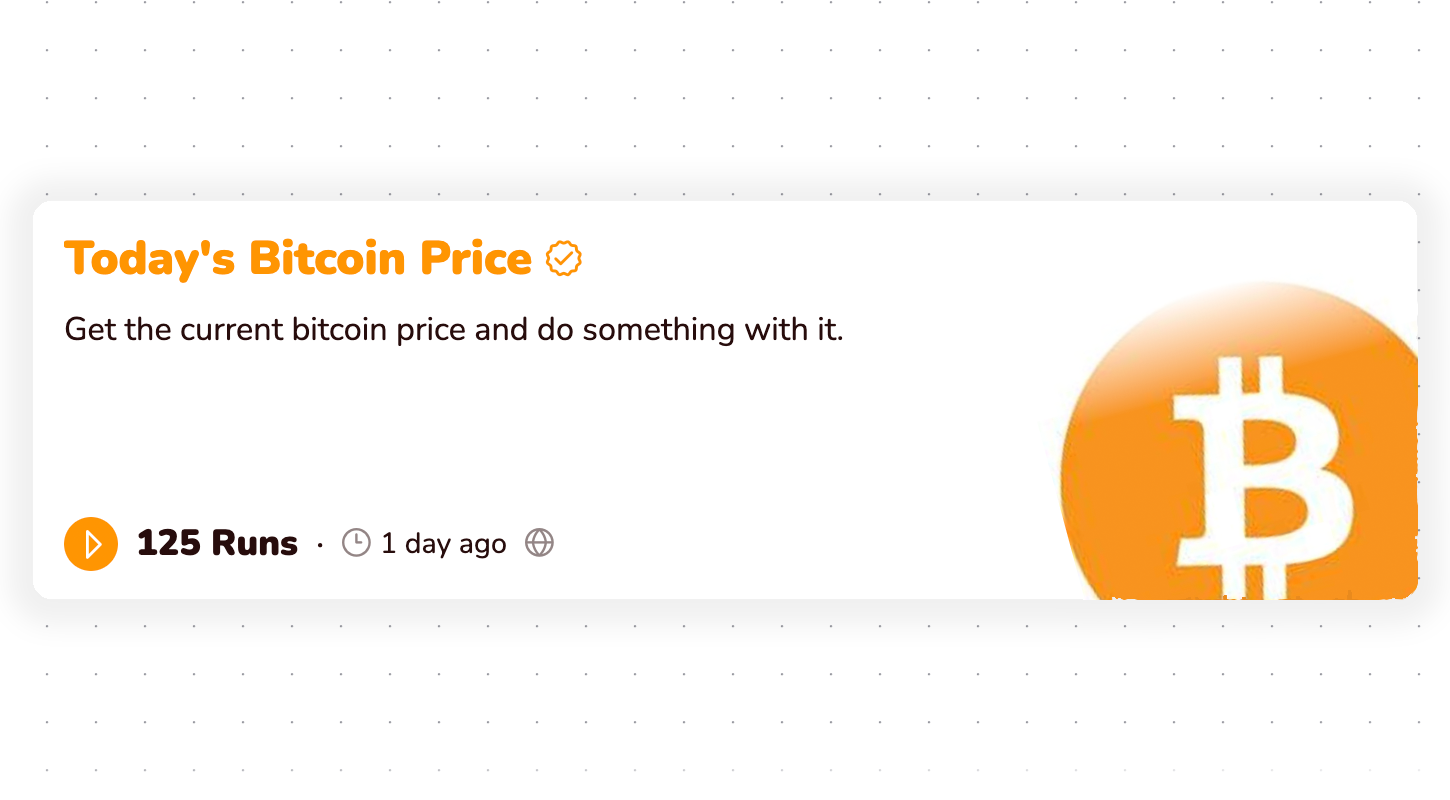
Inputless package confirmation
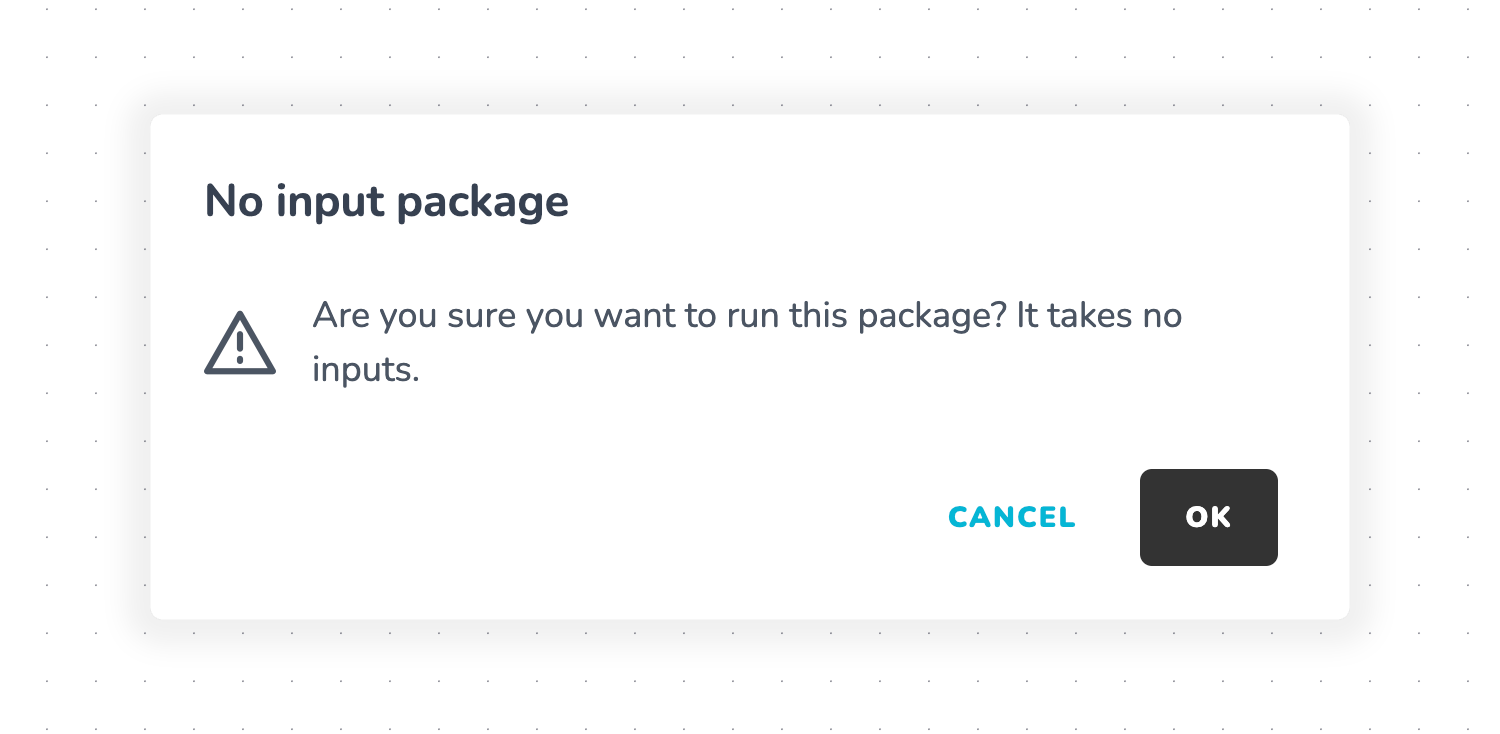
Just because a package has no inputs, doesn’t mean it won’t use any credits. Be sure to double check you have enough credits to run it.
Why are inputless packages useful?
You might be wondering — why would something like Today’s Bitcoin Price be useful? The power of an inputless package is seen when you include it in a larger package. For example, you could use the “Today’s Bitcoin Price” package in a package that sends a daily newlsetter about bitcoin. GPT, or any large language model, doesn’t know the current price of Bitcoin. Therefore, you could use the “Today’s Bitcoin Price” package in your prompt to get the current price and then generate a newsletter based on that information.Seeing the results
Once your package is done running (it should take a few seconds), then you can see the results.Go to Runs Tab
Click “runs” on the left sidebar To find the results of any package run, you have to go to the runs tab. It automatically shows the most recent runs, but you can also see past runs.Find Run Contents
Once you click on the run tab, you will see all the runs you have done. Clicking on a run will show you the contents of that run.Open the Run Inspector
After clicking on a piece of content in the run, the run inspector will appear. The run inspector allows you to see inputs, outputs, each step of the package and the final result.Wrapping Up
The best way to learn about packages is to run them. You can find a list of public/official packages on the browse page within packages. The list is growing daily.Next steps
Credits
How the packages credit system works