> ## Documentation Index
> Fetch the complete documentation index at: https://docs.packagesss.com/llms.txt
> Use this file to discover all available pages before exploring further.
# Introduction
> Getting started with packages
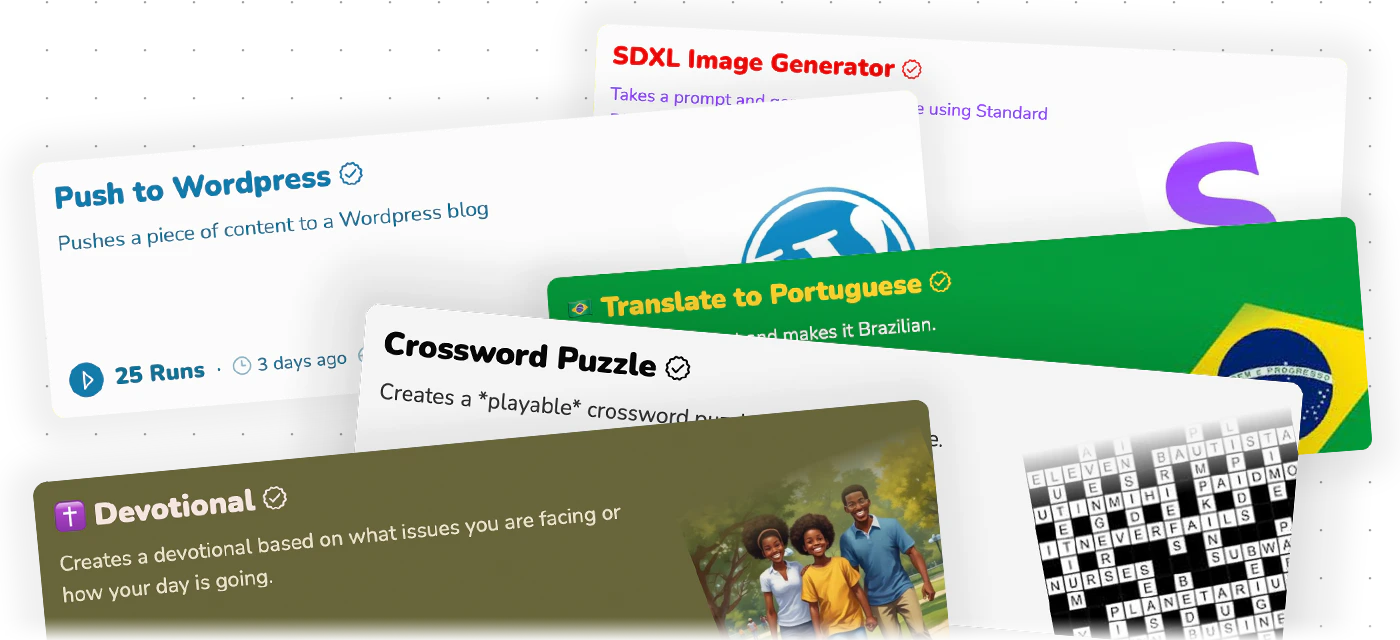 ## What is packages?
Packages is an automation platform that lets you combine different A.I. models to complete tasks.
## Running your first package
Using packages is easy.
Just find a package you want to run and click the "Run"
## What is packages?
Packages is an automation platform that lets you combine different A.I. models to complete tasks.
## Running your first package
Using packages is easy.
Just find a package you want to run and click the "Run"  button.
Visit the [running a package](/running/overiew) section to see what's possible when running a package.
How to run a package
How credits work
## Making a Package
The real power of packages lies in creating your own packages. You can tailor them to your specific needs.
For businesses — that means matching your brand or voice, or creating packages that your customers & clients can benefit from.
For personal use — that can mean creating something that makes your life easier.
Adding functionality to your package via nodes
button.
Visit the [running a package](/running/overiew) section to see what's possible when running a package.
How to run a package
How credits work
## Making a Package
The real power of packages lies in creating your own packages. You can tailor them to your specific needs.
For businesses — that means matching your brand or voice, or creating packages that your customers & clients can benefit from.
For personal use — that can mean creating something that makes your life easier.
Adding functionality to your package via nodes